500$ Closet Mini-Server Build
Introduction
Info
This post was originally published in 2020, and has been adopted to this static-site from wordpress.
Since I have been adding POE Security cameras, and more home automation... I felt it necessary to build a small server for handling these workloads, instead of utilizing my gaming-pc with Hyper-V.
The reason behind this build- Originally- was looking at a Synology NAS..
For reference, a DS920+ which is a quad-core CPU, 4 Drives, and 4GB Ram (up to 8).. Would run you around 559$ on Amazon.
A huge downside- if any piece of hardware on the unit fails, you are at the mercy of the vendor to replace it. Since it does not use standardized raid, you cannot simply plug your drives into another PC.
I felt, I could build a competing piece of hardware for a close, or lower price while allowing MUCH more flexibility and expansion room.
Granted, for user's who just want to plug something in, and it work, a synology/drobo/qnap is just fine. But, for my uses, I find it is more effective to build a new one.
Specifications / Parts / Prices
Prices were captured as of when this article was published, and may have changed over the course of time.
| Price | Part | Retailer |
|---|---|---|
| $82.95 | CyberPower AVRG750U | Amazon |
| $99.99 | Samsung 970 EVO 500GB M.2 NVMe | Amazon |
| $72.99 | Gigabyte B450M DS3H | Amazon |
| $91.97 | AMD Ryzen 3 3200G 4 Core 3.6ghz base | Amazon |
| $109.99 | Fractal Design Node 804 Case | Amazon |
| $62.99 | G.SKILL Aegis 2x8GB DDR4 3000 | Amazon |
| $69.99 | Corsair CX450M 450W BRONZE PSU | Amazon |
Parts and prices for this build.
Excluding the UPS, This brings the grand total to $507.92, which is still less then the aforementioned Synology Units while being significantly more powerful, and expandable. As a bonus- this server already has 500GB of NVMe storage, while the base-price on the synology includes NO storage.
Other Parts
I also had these parts laying around:
- 4x 2TB mixed-vendor SATA HDDs
- LSI 9240-8i.
To note- the LSI HBA is completely unrequired in this build, as the motherboard has 4x onboard SATA ports. If more ports are required, you can buy a cheap SATA JBOD HBA for around 35$ which will do the job just as well.
The Build
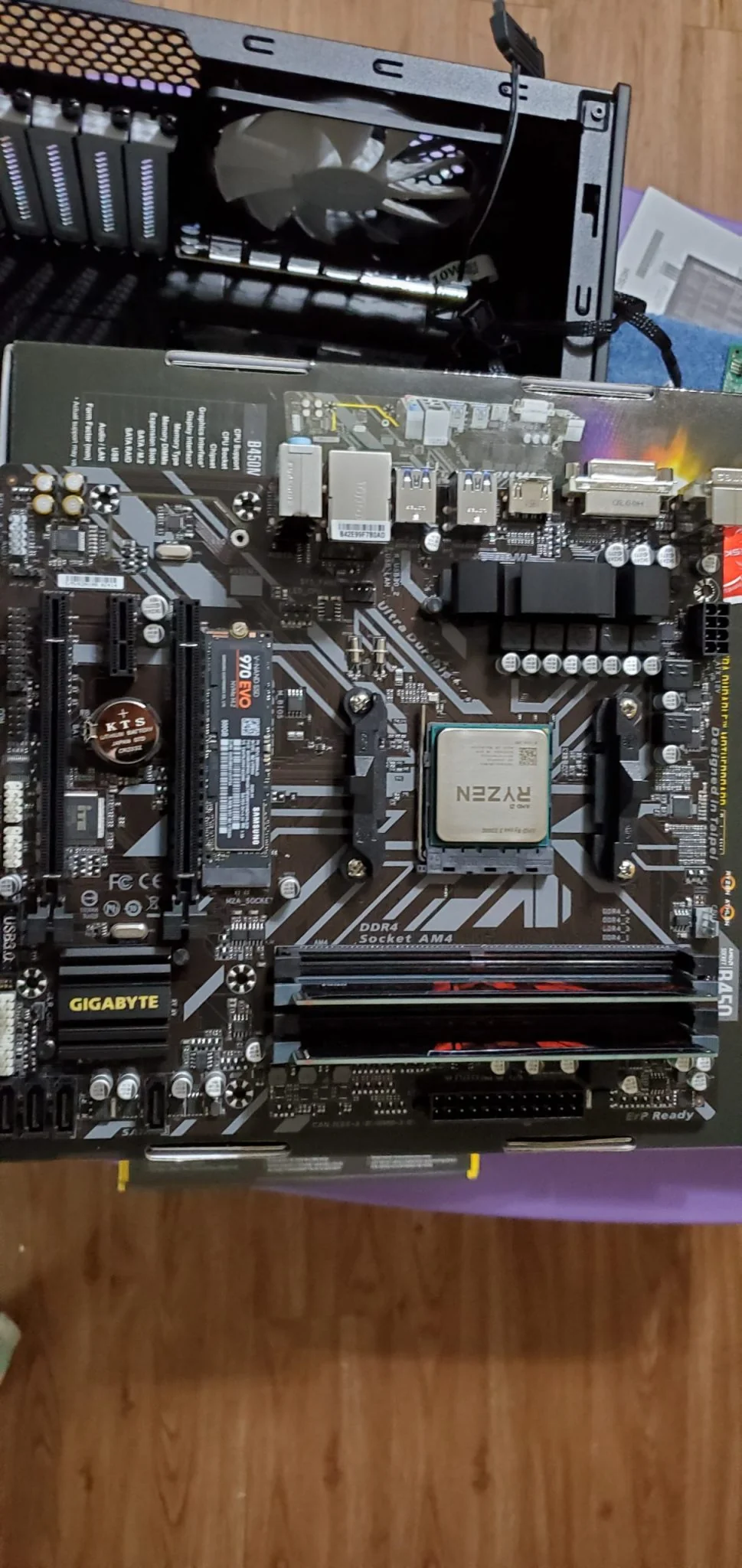
Here are all of the parts, ready to be put togather.

Everything ready to be assembled.
- 
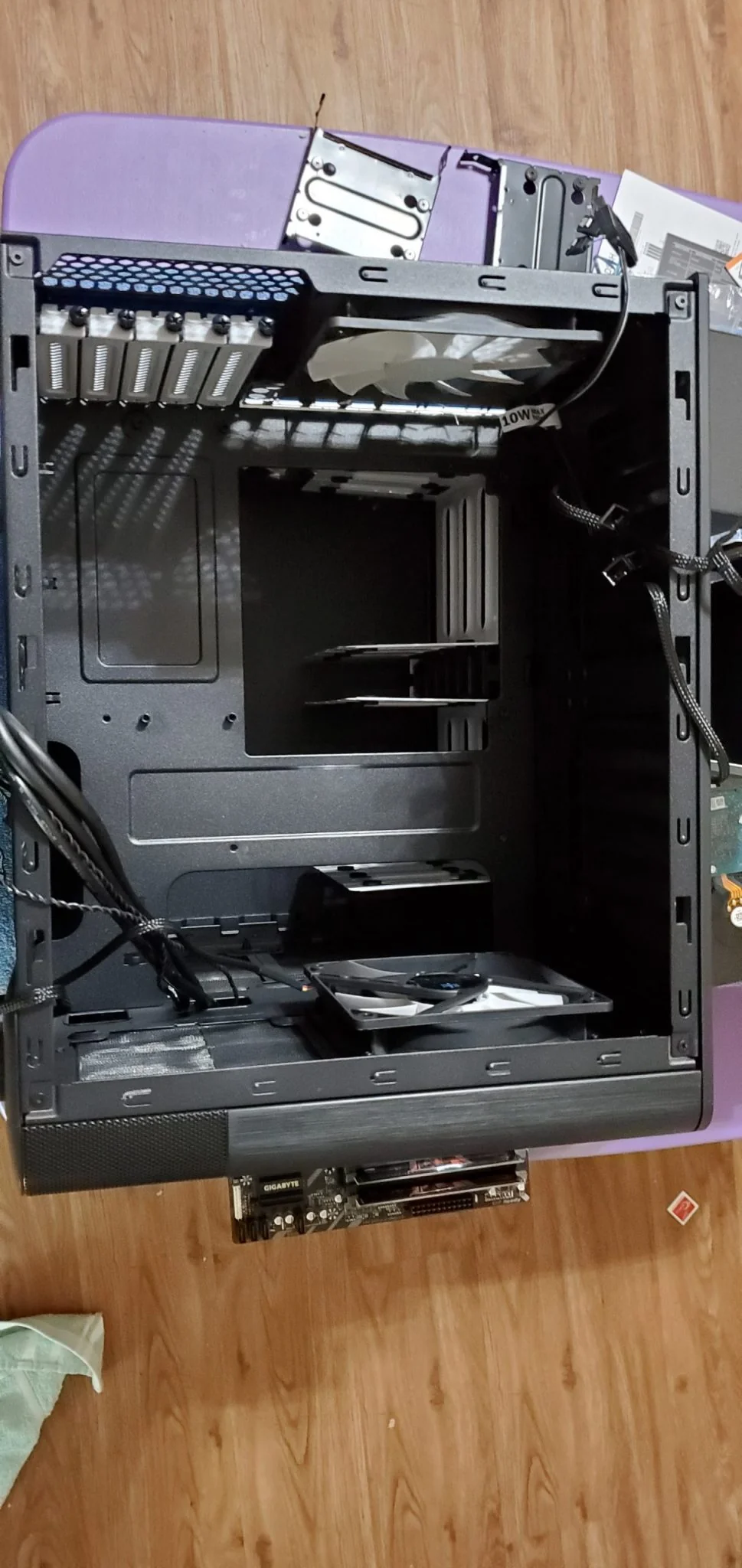
Top-less porn shot.
- 
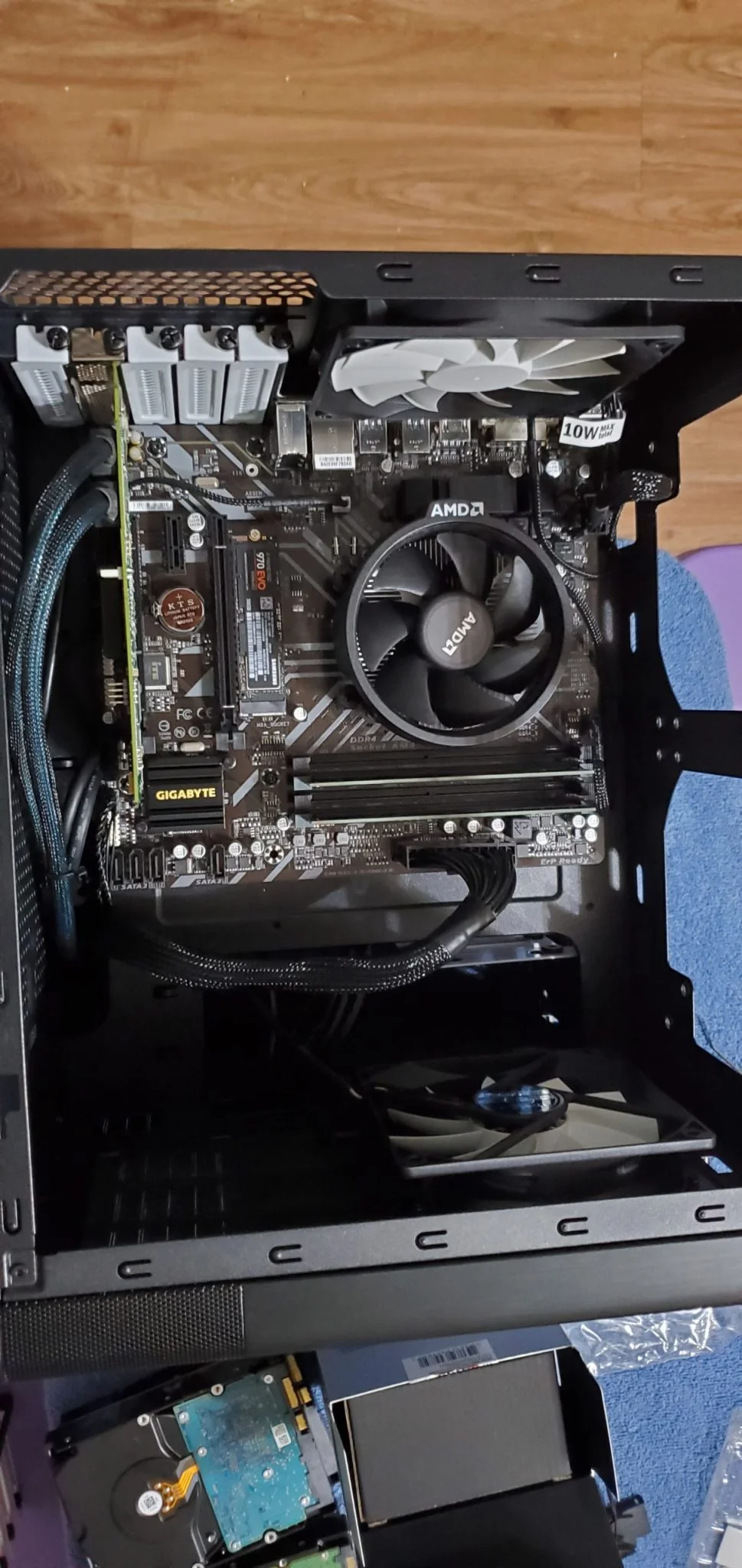
Interior of the case before adding the motherboard
- 
After adding/mounting the motherboard.
- 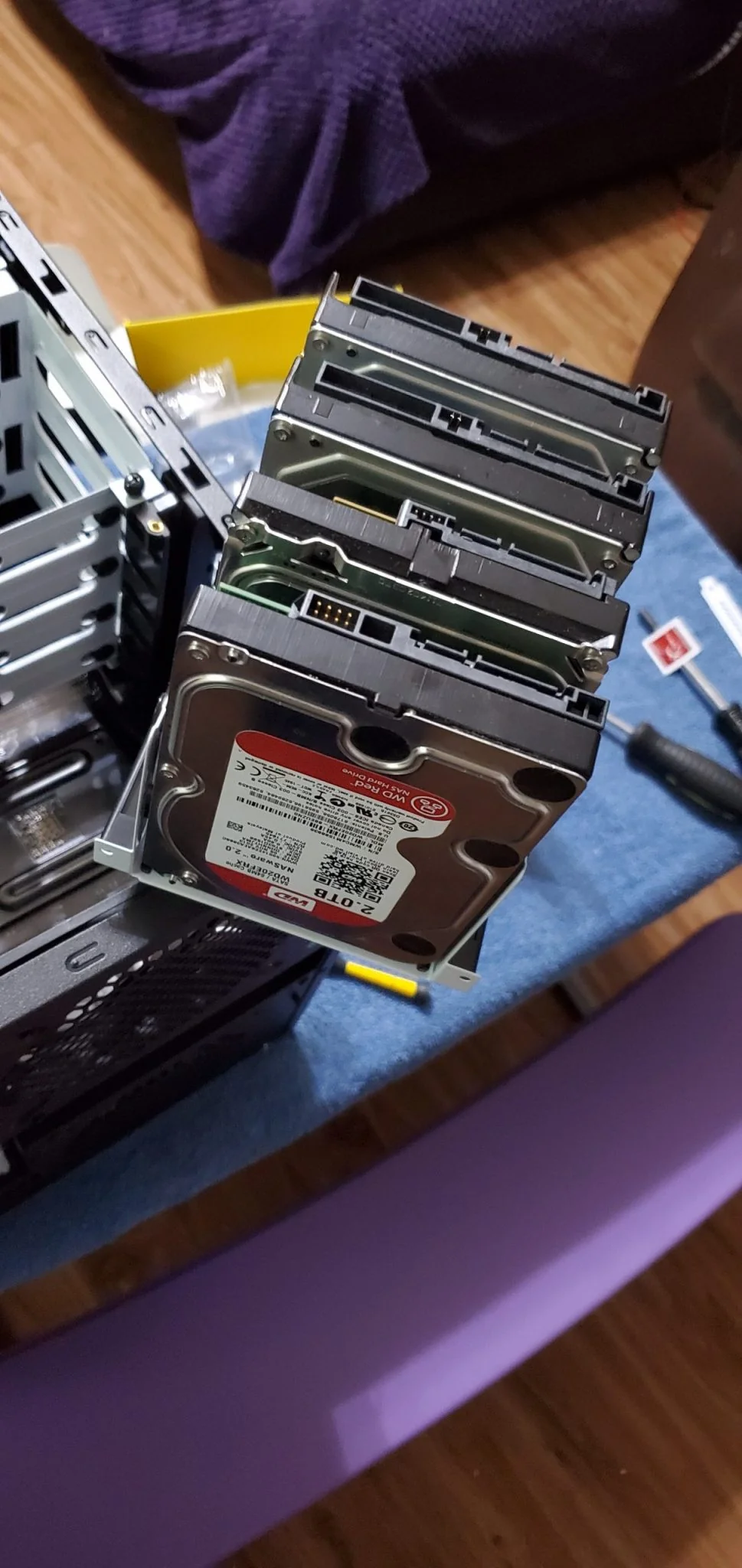
One of the two drive caddies loaded.
- 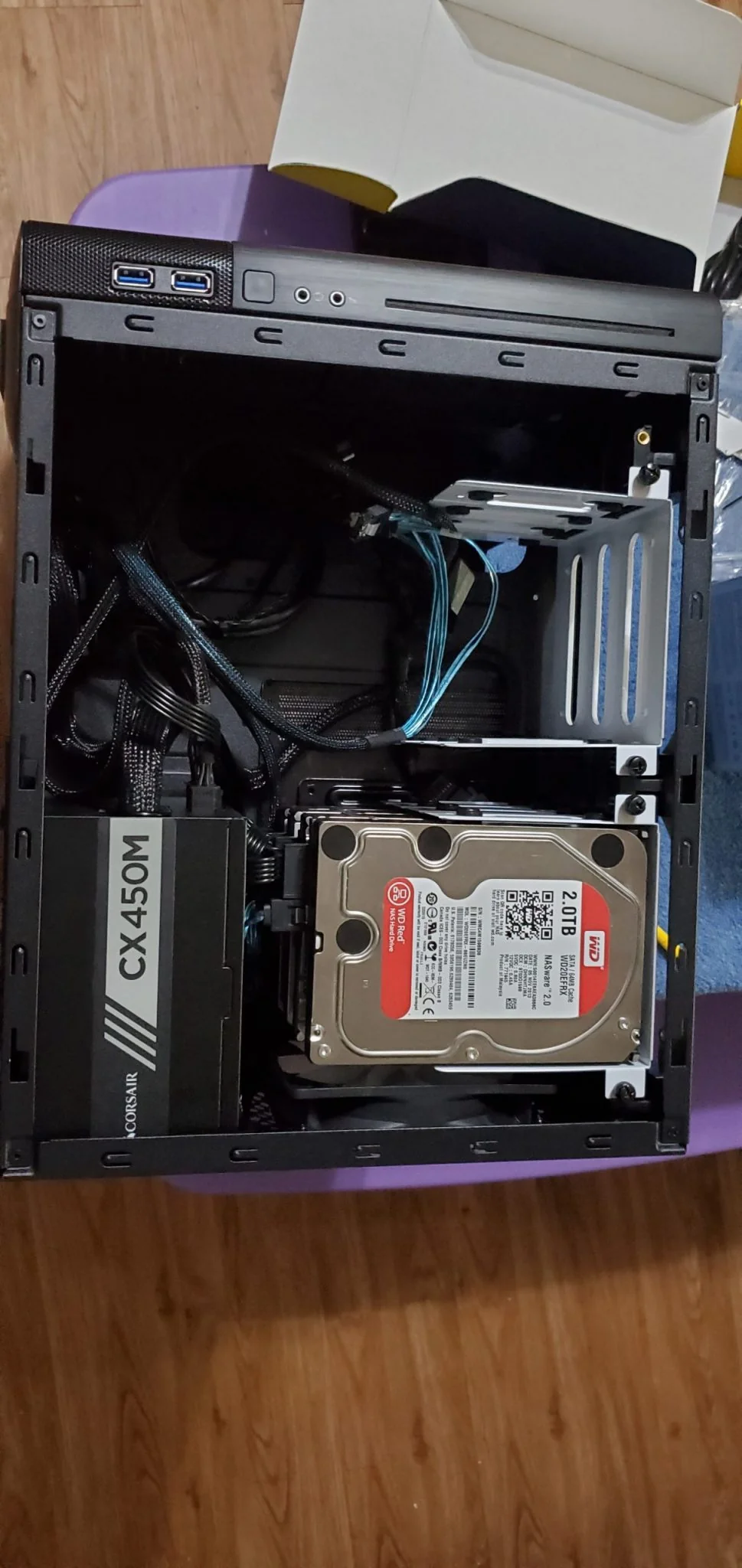
The back-side of the case, with one of the two-drive caddies populated.
Server Assembly
How does it run?
This post is being completed many months after I had put the server into place...
So far, running 7 containers, it is working flawlessly. Under load, the power draw is pretty minimal, and it makes no noticeable noise. If you didn't know where to find it, you would never know it was there.
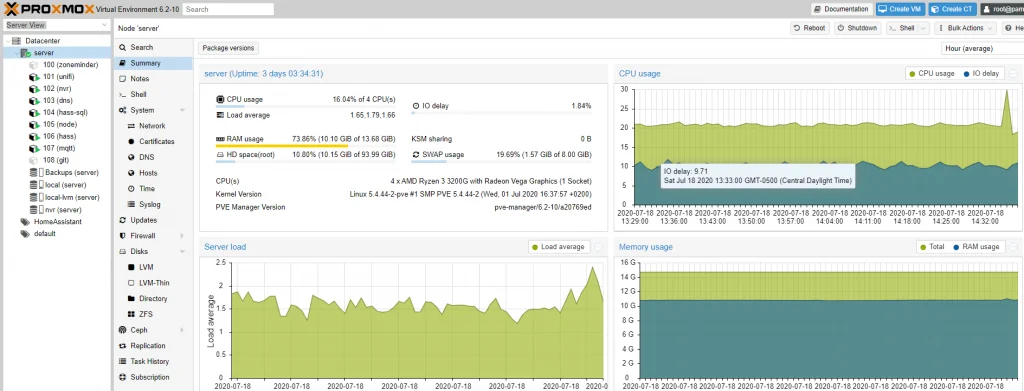
Main proxmox dashboard
While some may have questioned my choice of a 3200G for 90$, under its current load running ZoneMinder for 4 5MP cameras, running all of my home automation, it is only at around 20% load, and has much more room to grow.
As far as the 16GB of ram, 80% of it is only used for ZFS caching. In the below image- you will notice only around half of a single GB of the memory is used for my Home Automation group.

Resource usage of my containers.
For my other group of servers, you will still notice slightly over 1GB combined ram between all of the containers.

This goes back to my earlier claim, 80% of the RAM is used for ZFS and/or File caching.
Even for hard disk usage, you will notice.... most of my containers are very small.... My MQTT server, only uses 67MB on disk.
If you would like to learn how to make incredibly small LXC containers, which next to no overhead, I would recommend checking out Alpine Linux. My Alpine containers have been absolutely amazing to manage, and deploy, while using next to no resources at all.
The ONLY issue I have had with this build so far- My LSI 9240-8i died a few weeks ago. Granted- the unit was old when I purchased it off of eBay many years ago (And then used it in my old FreeNAS/Plex server for years).
I replaced it with a LSI 9207-8i off of Amazon for 60$. After replacing it- my ZPools came back online with no issues at all, requiring no configuration whatsoever.
Notes
If you plan on doing a lot of ZFS, I would recommend 32GB of total RAM.
If you are doing compute-heavy workloads, spend 100$ more and get a Ryzen 5 3600. With 6c/12t, and a 65w tdp, it is efficient, yet, powerful.
Finally- the secret to my abnormally low RAM/Disk usage for my containers..... Create LXC containers using the alpine linux template. It is really small, and has been working extremely well.
Future Plans
Currently? None. The server does everything I need it to do, with plenty of additional capacity.
When the CPU is upgraded in my Gaming Rig / Workstation, I will be dropping the Ryzen 5 3600 6c/12t into the server.
6 Months Later
So, I came back to update the current status and progress after 6 months.
For one, I have switched everything over to Unraid. For my needs, it has been far quicker to deploy, and easier to manage. I cannot say enough good things about it.
Other then that, the hardware is still exactly the same, and trucking along....
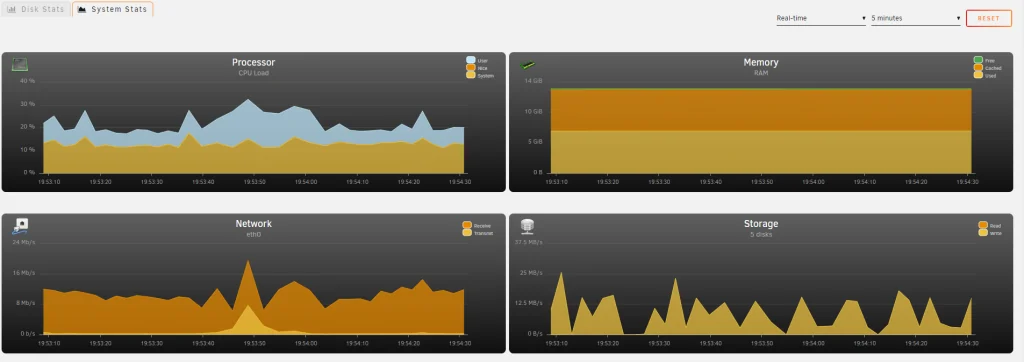
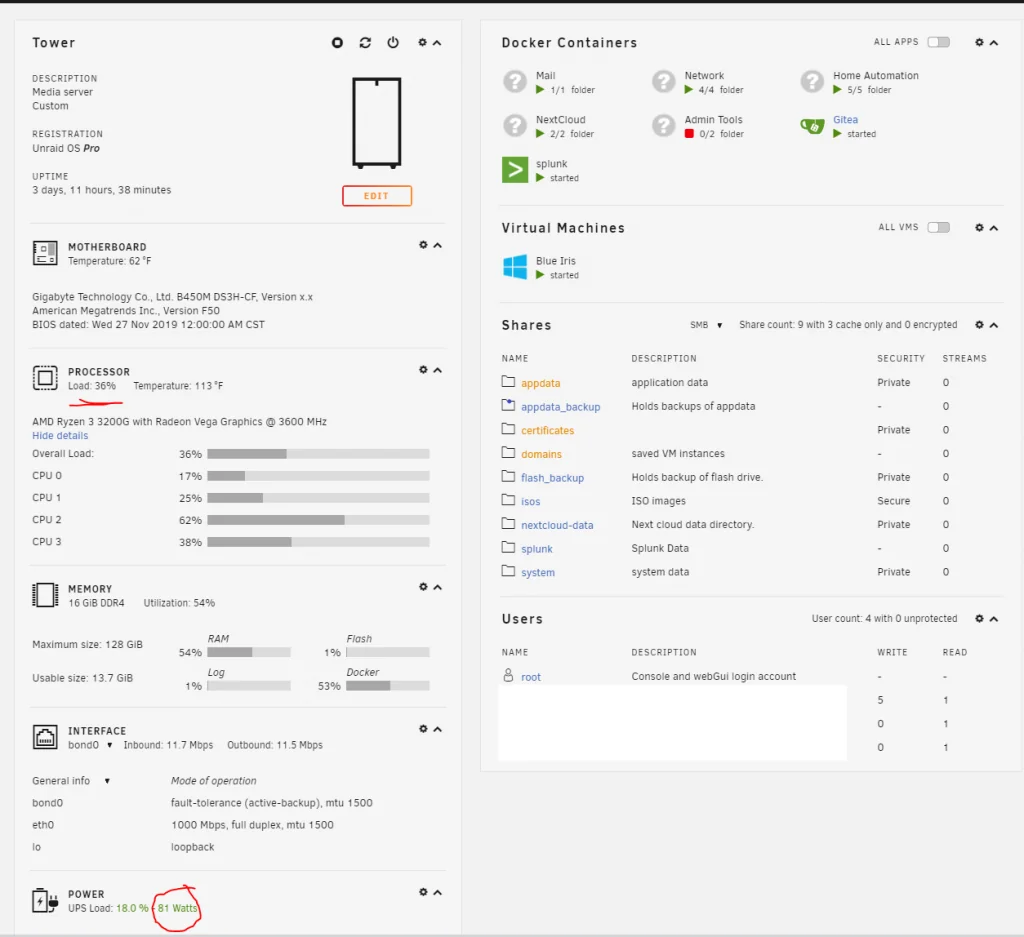
With all of my containers and blue iris running, I am only utilizing around 30-40% average utilization of the processor, leaving plenty of free capacity.
Power draw at the UPS, is 80 watts. This includes my Unifi POE-8 switch, as well as two POE cameras.
Memory utilization is only around half, leaving plenty of free capacity.
The moral of this story- not everybody needs a server with a 2,000$ xeon, i9, or something ridiculous.
I am running a pretty decent chunk of services, from a 80$ quad core processor, without any issues at all. It makes no noise whatsoever, and draws very little overall power.